
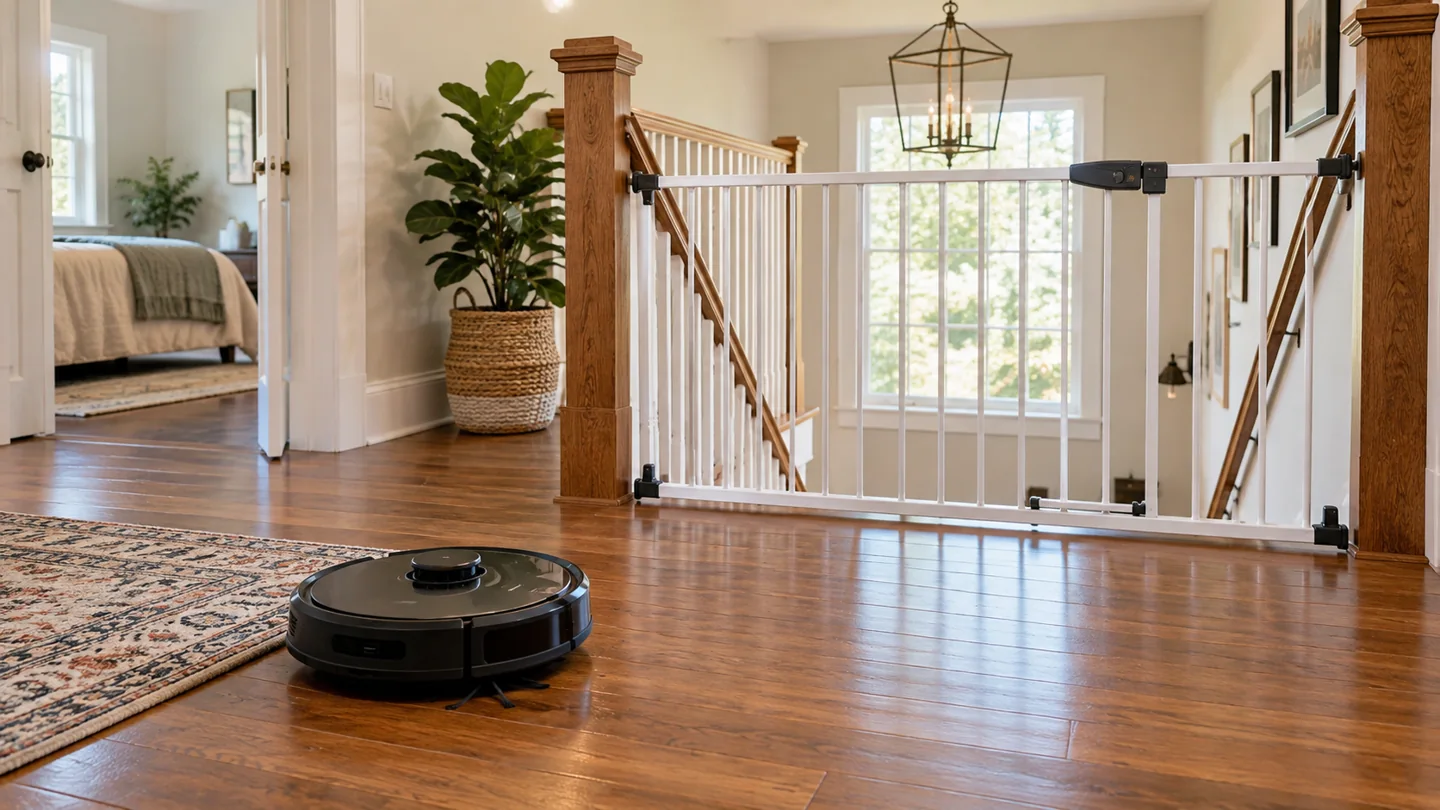
Roombas use cliff sensors intended to help avoid stairs and ledges, but do not treat them as an absolute guarantee against a fall. Follow the safety and boundary instructions for the exact model, keep the sensors unobstructed, place the dock away from stairs as specified, and supervise the first runs near a new layout.
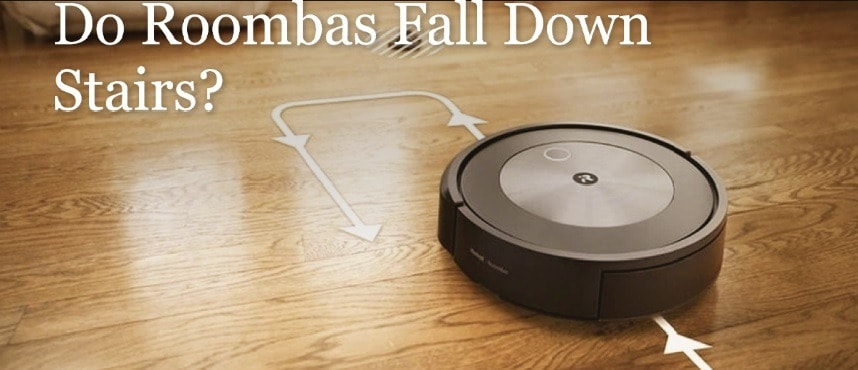
A map, virtual wall, or obstacle-recognition feature is not the same as a physical barrier. Do not disable cliff sensors to solve a dark-rug problem or deliberately test the robot over an unprotected stair edge. If it behaves unexpectedly near a drop, stop using that route until the cause is assessed.
What cliff sensors are designed to do
Cliff sensors monitor conditions beneath the robot that help it identify a drop. Their arrangement and operation vary across models. The robot can respond by backing away, turning, stopping, or reporting an error.
This is separate from a front bumper that reacts to contact, a camera used for navigation, or a saved room map. A device can have several sensing systems with different purposes. None should be described as giving the robot a complete human-like understanding of the staircase.
For a broader explanation, read how robot-vacuum sensors and navigation work. Use the owner’s manual to locate the relevant sensors on your model.
Conditions to check near a staircase
| Check | Why it matters |
|---|---|
| Sensor cleanliness and condition | Dust, coverings, or damage can interfere with the intended sensing path |
| Rug and mat placement | Loose or overhanging material can change the surface near an edge |
| Dock location | The robot needs the specified approach space and separation from stairs |
| Compatible boundaries | Not every robot supports the same virtual-wall or map controls |
| Layout changes | Moved furniture, a new rug, or an altered landing can change the route |
| Previous unusual behavior | A repeated edge error or unsafe approach needs investigation before unattended use |
Do not move or alter a fixed stair detail as a cleaning shortcut. If a safe physical boundary is required, it must suit the opening and the people using the home without creating a new trip or access hazard.
Keep sensors clean without changing them
Switch the robot off according to the maintenance procedure and use the specified cloth or method on accessible sensor windows. Do not spray liquid into openings, scratch the window, paint it, or cover it with tape.
iRobot’s Roomba 600-series care guidance provides a model-family example of cliff-sensor cleaning. Sensor locations and the rest of the care routine can differ on other robots, so use the matching instructions.
If a sensor window is cracked or an error persists after the documented check, contact support. Repeatedly resetting the robot does not repair a damaged sensor.
Dark carpet can create a different sensing problem
Some robots can interpret a dark surface as a drop and refuse to clean it. That can be inconvenient, but it does not justify disabling the sensor. A modification made to cross one rug can affect behavior near an actual stair elsewhere.
iRobot’s Error 6 guidance for specified older series describes dark surfaces, edges, and other conditions that can trigger the relevant response. Use the exact error information for your product rather than assuming every refusal means the same fault.
Use an appropriate exclusion or another cleaning method if the surface remains incompatible. Keep the safety system intact.
Place the charging dock according to the model guide
A dock needs a clear approach and an appropriate distance from stairs. A station placed close to a landing edge or hidden in a cramped location can create repeated alignment attempts or navigation problems.
iRobot’s dock-placement guidance specifies separation and clearance for the products covered there. Check your model’s diagram rather than using one measurement as a universal rule for every station.
Keep the dock stable and its cable arranged as instructed. Do not move it to a stair edge just to hide it from view. Reassess the route after relocating the base.
Virtual walls and no-go zones have compatibility limits
Some Roombas support an infrared Virtual Wall accessory; others use supported map boundaries or different controls. The accessory must match the model, have working power, and be positioned according to its instructions.
iRobot’s Virtual Wall overview explains the product family and supported behavior. Do not assume every new Roomba includes or supports the same accessory.
A software boundary or electronic accessory is not a physical gate. Follow the owner’s guide wherever it requires physical protection or exclusion from an unsafe area. Do not use an improvised object that can fall down the stairs or obstruct household movement.
Supervise the first appropriate runs
After the safety setup is in place, observe normal cleaning from a safe location. Watch how the robot approaches the protected area and returns to its dock. Do not place it at the edge to see whether the sensors stop it.
Keep children and pets away from the test route and do not stand on the stairs trying to catch a moving robot. If the approach looks wrong, stop the run through the normal controls and maintain the boundary.
Inspect any new rug, furniture position, or ramp before expanding the route. A setup that worked before a room change may need reassessment.
What to do after a fall or suspicious edge event
- Stop using the robot. Do not immediately recharge or restart a visibly damaged appliance.
- Check for immediate danger. Keep away from smoke, unusual heat, a damaged battery, or exposed electrical parts.
- Record the event. Note the model, location, settings, boundary arrangement, and any error.
- Contact manufacturer support. Explain the fall or edge behavior and follow its inspection instructions.
- Keep the route excluded. Do not resume unattended use until the equipment and setup are addressed.
Do not open a battery pack or internal electronics to inspect impact damage. If there is an active fire or other immediate danger, move away and contact emergency services.
Clean stairs with an appropriate manual tool
An ordinary floor robot is not a stair-cleaning appliance. Use a suitable manual vacuum attachment or other stair-compatible equipment, managing the cord and body so they do not obstruct the steps.
Do not carry a running robot up a staircase or balance it on a tread to clean one section. For multi-floor use, follow the manufacturer’s carrying, placement, map, and charging instructions.
Our guide to robot versus manual cleaning roles explains why a robot can reduce floor work without replacing every tool.
Use a near-edge event as a reason to stop
If a robot approaches an edge unexpectedly, pause its use and make the area secure before investigating. Note the model, floor condition, lighting, sensor condition and any recent map or furniture change. Do not repeatedly recreate the event beside an unprotected drop to prove whether it happens again.
Inspect only as the manual permits and contact support when the behavior is unexplained. A fall can also cause damage that needs assessment before charging or another run. Keeping a record of the event helps distinguish a dirty sensor, layout problem or possible fault without assuming that one observation identifies the cause.
Frequently asked questions
Are all falls impossible if sensors are clean?
No absolute guarantee is established. Clean sensors are part of correct use, alongside the model’s safety instructions, appropriate boundaries, and suitable placement.
Can I cover sensors for a black rug if I have no stairs?
Do not modify or bypass the robot’s safety sensors. Use manufacturer guidance and another cleaning method for an incompatible surface.
Does a map make a stair barrier unnecessary?
Do not assume so. Follow the actual safety instructions for your model and layout. A map is a navigation tool, not a physical barrier.
Use the safety system as intended
Keep cliff sensors intact, maintain the robot, position the dock correctly, and protect unsafe boundaries as instructed. Treat unexpected behavior near stairs as a problem to resolve, not an invitation to test the limits.

Abi Khan is the founder and a content writer at GlobVacs. His published work covers vacuum-cleaner buying guides, product comparisons and practical maintenance advice. Read his author profile and selected articles.