
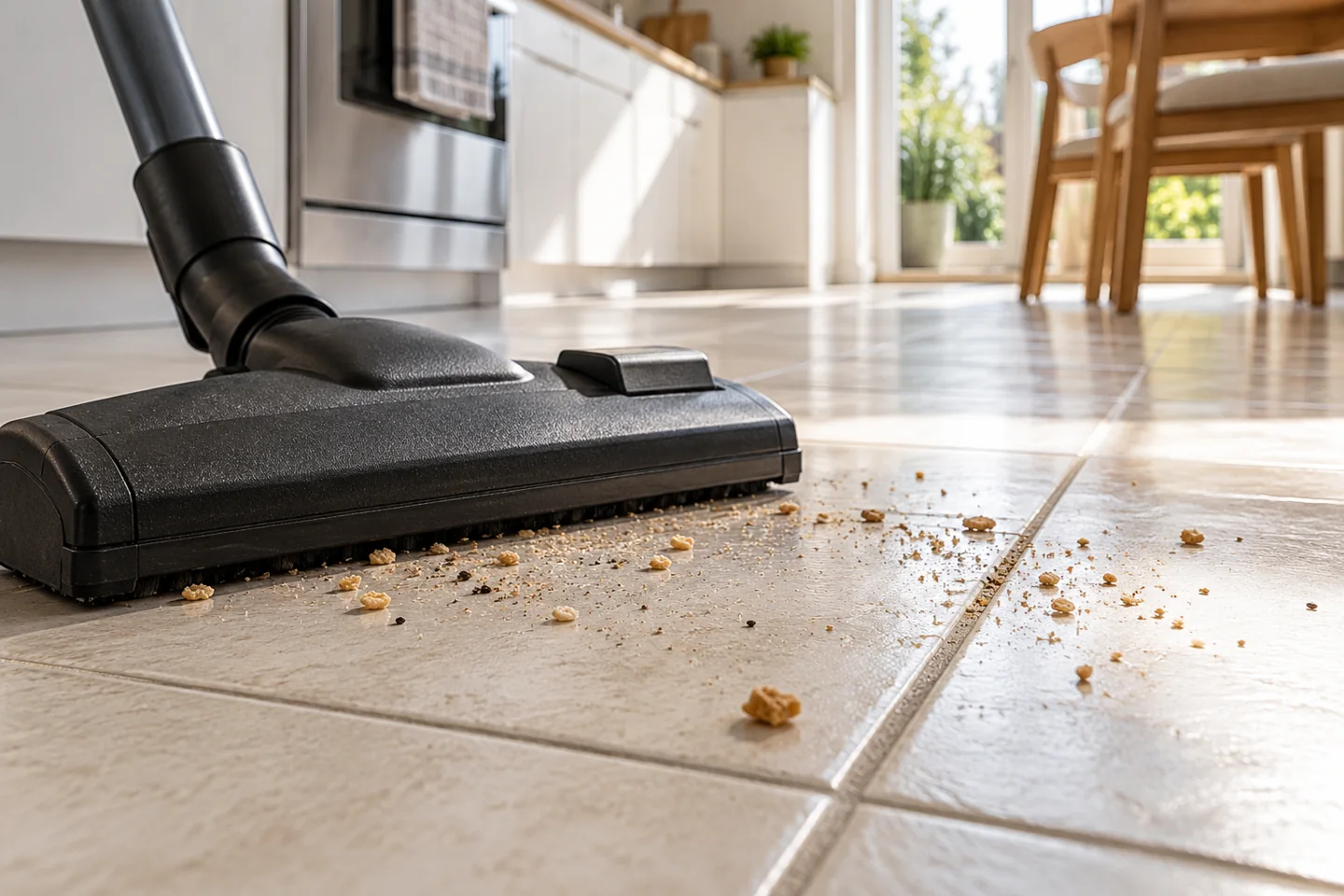
If you are wondering, “why does my vacuum scatter dirt on tile?”, start with the floor head rather than assuming the motor has failed. A spinning brush can flick crumbs away before they reach the suction opening. A head that sits too low can push larger debris ahead of it, while restricted airflow can leave grit behind even when the machine sounds normal.
The pattern matters. Crumbs shooting sideways, debris collecting in front of the head, and dirt falling out after you switch off point to different problems. A short inspection can help you decide whether to change a setting, clear a blockage, or use a different attachment.
Match the symptom to the likely cause
| What you notice | First thing to inspect | Useful next step |
|---|---|---|
| Crumbs shoot sideways when the head reaches them | Rotating brush and floor mode | Try the approved hard-floor setting or suction-only head |
| Larger pieces move ahead of the vacuum | Clearance at the front of the head | Use a suitable open attachment for permitted debris |
| Fine debris remains across the cleaning path | Bin, filters, hose, and intake | Restore airflow following the manual |
| Grit stays mainly beside cabinets | Floor-head edge access | Use a crevice tool along the boundary |
| Debris falls out after stopping | Head, wand, and hose | Check for trapped debris and blockages |
These are troubleshooting starting points, not proof of a particular fault.
1. Check whether the carpet brush is still running
A carpet brush agitates fibers to release dirt. On a smooth tile floor, that same movement can strike a crumb and send it away from the intake. Some vacuums stop the roller in hard-floor mode; others change roller speed or use a different head entirely.
Select the setting specified for hard floors in your vacuum manual. If the machine has a separate suction-only floor tool, test that on a small patch of ordinary dry household debris. Do not assume a button labeled “floor” stops the brush: check the instructions for your exact model.
If scattering stops with the appropriate attachment, the issue may be head selection rather than insufficient suction. Our best vacuum for tile floors guide can help you compare machines, but check the included head and controls on the exact bundle before buying.
2. Look at how debris enters the head
A low front lip can push a cereal crumb along instead of admitting it. Increasing power does not make the opening physically larger.
Watch one slow forward pass. If the head moves the debris without passing over it, stop and use a suitable attachment that can admit that size of debris. Only collect materials your vacuum is designed to handle. Pick up large objects by hand, and follow the manual's exclusions for sharp pieces and other unsuitable materials.
Do not lift a running powered head toward your face to inspect it. Switch off and isolate the machine before examining the underside.
3. Inspect the airflow path
Empty a full bin or replace a full bag as directed. Then check accessible intake openings, the wand, and hose for obstructions. A machine can make plenty of noise while moving less air through a restricted path.
Check the filter instructions too. Some filters can be washed; others must be replaced. Never reinstall a damp filter, and do not operate without required filters to see whether performance improves.
Change one thing at a time, then repeat the same small cleaning pass. That makes it easier to identify what actually helped.
4. Separate grout pickup from surface pickup
Recessed grout can retain particles that are easier to collect from the flat tile surface. Try a slower pass across the grout line and, if needed, a suitable crevice tool without scraping the finish.
If the flat surface is clean but grout remains discolored, the remaining mark may need an appropriate cleaning method rather than more suction. A dry vacuum collects loose material; it does not remove every stain or residue.
5. Check the wheels and underside
Turn the vacuum off and inspect the wheels and contact surfaces. Remove trapped grit according to the instructions. A dirty underside can move debris around and undermine otherwise careful cleaning.
This matters when moving between rooms. A head used near an entrance may carry grit onto another floor. Inspect it before cleaning more sensitive surfaces, especially vinyl.
6. Decide whether you need a different vacuum
Replacement becomes more reasonable when the machine lacks a suitable hard-floor attachment, cannot control problematic agitation, or still leaves ordinary debris after proper maintenance. For a home with both rugs and tile, convenient switching between floor settings can matter as much as the advertised power figure.
Before purchasing, check head compatibility, included accessories, replacement filters, and how easily the roller can be cleaned. A useful comparison question is: “Will this head admit and collect the debris I actually have?”
Frequently asked questions
Will maximum suction stop scattering?
Not necessarily. It may help with pickup, but it cannot correct every brush or intake-clearance problem. Start with the head and floor setting.
Is a soft roller always required for tile?
No. A suitable suction-only head or another manufacturer-approved hard-floor attachment may work well. The correct choice depends on the vacuum, tile finish, and debris.
Should I sweep before every vacuuming session?
You should not need to sweep ordinary household dust first when using an appropriate vacuum. Remove unsuitable objects and messes before starting, then assess whether the floor head matches the task.

Abi Khan is the founder and a content writer at GlobVacs. His published work covers vacuum-cleaner buying guides, product comparisons and practical maintenance advice. Read his author profile and selected articles.