
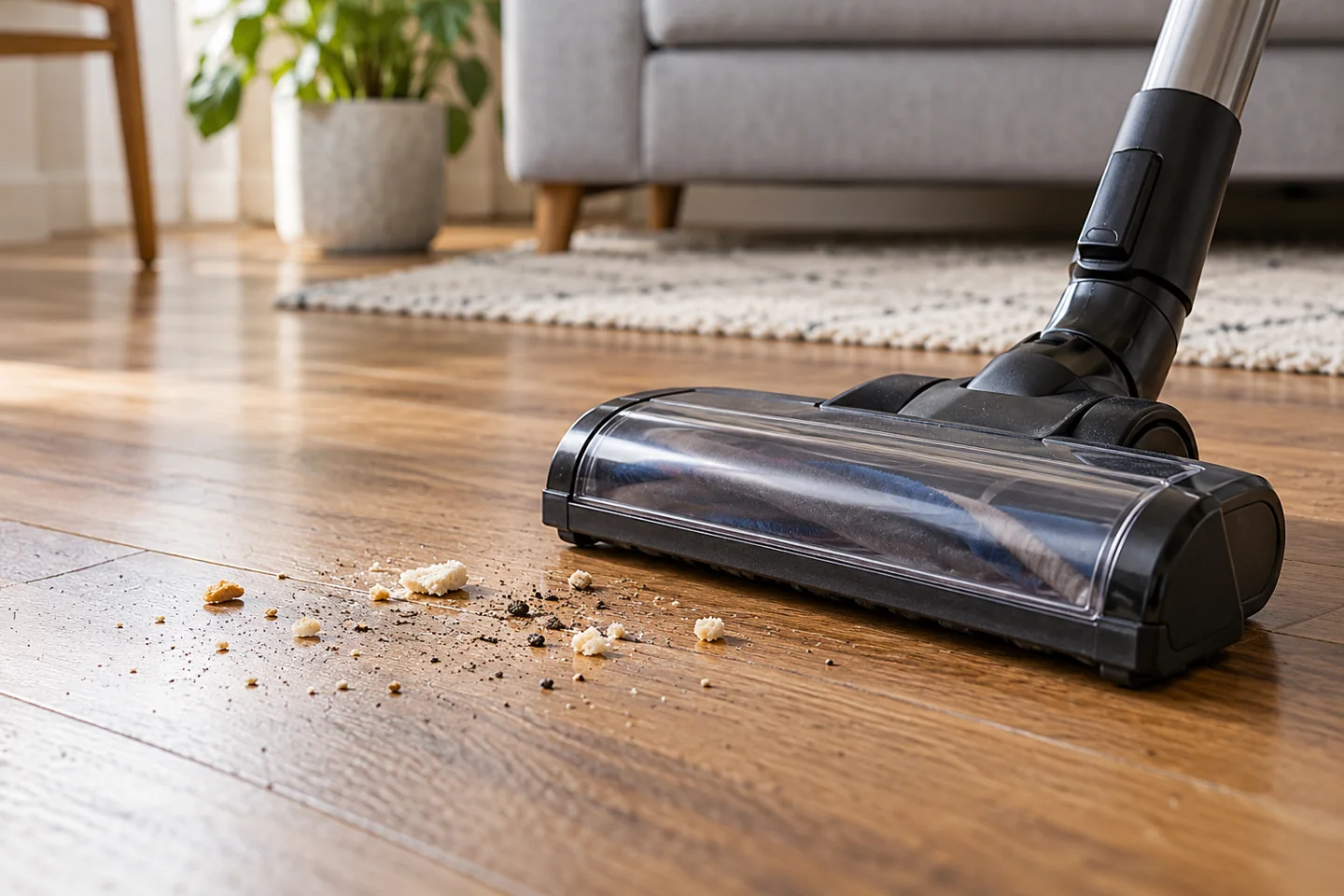
A vacuum that “spits out dirt” may be scattering debris at the brush, dropping material from a blocked intake, leaking around the collection system, or releasing dust through the exhaust. Those are different faults. Identify where the material appears before choosing a repair. A faster brush, new filter, or replacement belt will not solve every version of the problem.
Switch off and disconnect power before inspecting the head, hose, bag, bin, or filters. If there is smoke, sparking, an electrical smell, or damaged wiring, stop ordinary pickup troubleshooting and arrange assessment. Do not keep operating a leaking machine simply to see whether the dust clears.
Find where the debris is coming from
| What you see | Likely area to check | Useful distinction |
|---|---|---|
| Crumbs shoot sideways across a hard floor | Brush setting, head design, debris size, and intake airflow | Often scattering at the floor rather than dirt blown from inside the motor |
| Debris falls back when the head is lifted or power stops | Intake, wand, hose, collection level, and obstructions | Material may have remained in the airway instead of reaching the container |
| Dust appears around the bin or bag compartment | Bag seating, bin lid, latch, seals, and damage | Collection leakage needs a fitting or component check |
| Fine dust emerges from the exhaust | Required filters, damaged bags, seals, or internal contamination | Stop and resolve the leak rather than continuing to vacuum |
Use observations from normal operation rather than putting your face near an outlet or testing airflow against skin. If you cannot tell where the material originated, take a photo of the debris pattern and explain the sequence to support.
1. Check the hard-floor brush setting
A rotating brush can flick lightweight particles away before the intake collects them. Some models let you turn the brush off for hard-floor cleaning, while others keep it running. A mode labeled for hard floors does not necessarily change both brush operation and suction.
BISSELL’s SurfaceSense troubleshooting includes turning the brushroll off to reduce scattering on bare floors. In contrast, its guidance for certain swivel models explains that the brush continues rotating. Check your exact model before looking for a control it does not have.
Also follow the flooring manufacturer’s restrictions. If the floor prohibits the machine’s powered brush and the model cannot disable it, use an approved tool or another compatible method. Do not remove a required roller to improvise a suction-only head.
2. Empty the collection system and check the inlet
A bin filled above its mark or a loaded bag can reduce effective airflow. Empty or replace it according to the manual, then inspect the accessible inlet for a wad of hair, paper, or other ordinary debris. Do not pack the contents down to make space.
Fine dust can load a bag before it looks full. A bag indicator may reflect airflow resistance rather than simply measuring the volume of debris. Conversely, bulky hair can occupy substantial space. Use the manual’s guidance and the actual condition, not one visual rule.
For bagless models, confirm that the separator and required screens are correctly installed. Do not operate with a missing internal component or a bin lid that does not latch securely.
3. Inspect bag seating, seals, and the bin latch
A bag collar must connect to its holder as intended. If the bag is torn, incorrect, or disconnected, dirt may collect outside it. Replace the bag with the correct type and check the compartment using the documented procedure.
Miele’s guidance for a dirty dust compartment highlights checking the bag’s seating. That is a model-specific support example; different machines use different holders and closing mechanisms.
For a reusable bin, inspect the lid seal and latch without stretching or cutting the gasket. A cracked bin, distorted seal, or broken catch may need replacement. Do not glue the lid shut, tape over the exhaust, or add material around a filter to conceal the leak.
4. Look for an accessible airflow blockage
Hair and larger objects can lodge at the head inlet, wand connection, hose bend, or internal duct. With power isolated, detach only the parts the manual permits and inspect both ends. A partial restriction may allow some fine debris through while leaving larger particles behind.
Remove loose material gently. Do not drive a screwdriver or sharp wire along a flexible hose, force a rigid object around a bend, or blow dust through the assembled vacuum with compressed air. Some hoses contain electrical conductors or internal features that can be damaged.
Use our hose-blockage guide for a structured check. If hose-tool pickup is normal but the floorhead performs poorly, concentrate on the head and its local airway rather than repeatedly cleaning the whole machine.
5. Check filters individually
Confirm that every required filter is present, dry, correctly oriented, and undamaged. A loaded filter can restrict airflow, while missing media or a poor seal can allow dust to escape. These are different problems and need different corrections.
Wash only an element identified as washable. A vacuum may have a washable pre-filter and a nonwashable exhaust filter. Do not run the machine without a required filter while waiting for another one to dry.
See when to change vacuum filters for replacement decisions. If dust continues to emerge after correct assembly and maintenance, stop and contact support; internal contamination or housing damage may need service.
6. Check roller movement and floorhead condition
A tangled or stalled roller can reduce carpet pickup even if the suction motor runs. A worn brush, damaged roller cover, or unsuitable height setting can also affect how debris reaches the intake. Inspect the head with power disconnected.
Not every vacuum uses a belt that the user can replace. A broken brush-drive belt does not necessarily reduce the fan’s suction directly; it can mainly reduce agitation. Use the model diagram rather than assuming a belt repair is the answer to every dirt-scattering symptom.
Check wheels and contact strips for damage or trapped grit. Stop if the head scrapes or catches the flooring. Repeated passes with a damaged underside can create a second problem while leaving the original pickup fault unresolved.
7. Match the nozzle to the debris
A low head opening may push larger ordinary crumbs ahead of it. A narrow crevice tool may be useful in a gap but slow across an open floor. Use the permitted tool for the surface and size of debris, and pick up objects too large or unsuitable for the machine by hand.
Do not tip a running powered head toward your face to inspect the opening. Avoid collecting liquids in a dry-only appliance, hot ash, hazardous renovation dust, sharp fragments, or flammable material. A stronger suction setting does not change the vacuum’s material rating.
Reassemble and check the result
Refit every cover, connection, bag or bin, and required dry filter. Use the manual’s normal test procedure only when there is no unresolved safety fault. Check a small appropriate dry area rather than immediately returning to a full-house clean.
If the symptom remains, tell support where the material appears and which checks you completed. For the broader routine, use how to clean a vacuum. If the issue is choosing a suitable hard-floor method, compare vacuuming and sweeping.
Frequently asked questions
Is the motor running backward?
Do not assume that from scattered debris. Brush scattering, blockages, leaks, and incorrect assembly are more useful areas to investigate. Do not alter motor wiring or polarity to attempt a repair.
Why does dirt fall out after I switch off?
Some material may have remained in the head or airway rather than reaching the collection container. Check for obstructions, overfilling, and model-specific valves or flaps without forcing components.
Does a new filter always solve dusty exhaust?
No. A damaged bag, poor seal, missing component, or housing fault can also matter. Stop using the machine until the leakage is understood and corrected.

Katy James contributes vacuum-cleaner explainers and practical cleaning guidance at GlobVacs. Her published topics include robot-vacuum operation and vacuum airflow. Read her author profile and selected articles.