
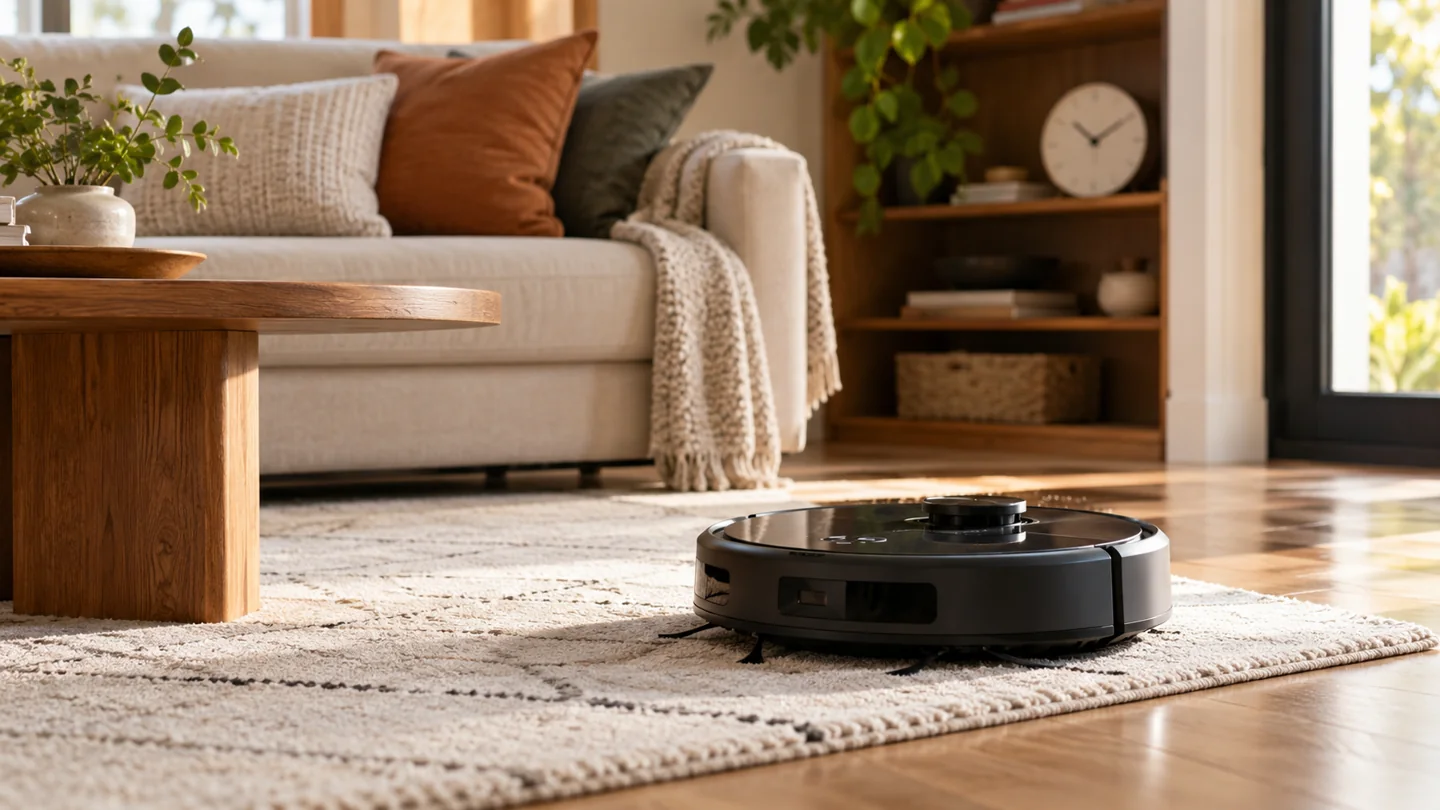
A robot vacuum’s cleaning time depends on the accessible floor area, navigation, furniture layout, chosen mode, repeat passes, and any charging or maintenance interruptions. There is no reliable universal minutes-per-room figure. Measure the robot’s normal route in your home rather than treating an advertised battery runtime as the time needed to finish the house.
Separate active cleaning time from total elapsed time. A robot may spend time navigating, returning to its dock, emptying, washing pads, charging, or waiting to resume. Those stages matter if you need the floor ready before visitors arrive or want to avoid noise at a particular time.
Three time measurements that are easy to confuse
| Measurement | Meaning | Why it matters |
|---|---|---|
| Advertised runtime | Battery operation under the manufacturer’s stated test conditions | Not a promise to clean your whole home in that time |
| Active cleaning time | Time the robot reports or spends performing the cleaning route | Useful for comparing similar jobs on the same machine |
| Total elapsed job time | Time from starting the task to its actual completion | Includes supported recharging, station work, pauses, and rescue delays |
Check what the app’s number represents. A cleaning-history display may count time differently from a stopwatch. Use the same measure when comparing two runs.
Why floor area alone does not predict the duration
A home’s advertised square footage includes places the robot may not clean: stairs, cupboards, floor under inaccessible furniture, or closed rooms. The accessible cleaning area is the more relevant starting point.
Two rooms with the same floor area can have very different routes. An open room may allow long passes, while a dining room with many chair legs requires frequent turns and repositioning. Narrow passages, low furniture, rug edges, and moved objects can change the path further.
Do not use a table that assumes every “advanced” robot must take longer or every basic robot must finish faster. Different navigation and task settings make that comparison meaningless without matched test conditions.
A reactive robot can revisit areas while responding to obstacles. A systematic mapped model may plan an orderly route, but still needs to turn, follow edges, and handle difficult areas. Neither category establishes one fixed cleaning speed.
For a model-specific example, the original Roborock Q5 manual describes its operating and cleaning behavior. Use the exact model documentation to understand what the robot is attempting rather than judging every path change as wasted time.
Our guide to robot-vacuum navigation and cleaning explains why mapping, obstacle detection, and pickup are separate capabilities.
Cleaning settings can deliberately increase the job
Selected-room cleaning, spot mode, edge work, repeated passes, stronger suction, and vacuum-and-mop routines can produce different durations. A two-pass job is not directly comparable with one pass, even when both cover the same room.
Stronger suction can affect usable battery time, potentially adding a charging interruption. Some robots also change behavior on carpet or spend extra time in areas identified as dirty. Check whether a feature is actually present before expecting it to explain the route.
Choose the setting that produces an acceptable result on the permitted surface. The shortest possible session is not useful if it leaves debris that requires immediate manual cleaning.
Recharging can dominate total elapsed time
Some robots return to charge and then resume an unfinished task. Others do not support that behavior, or support it only under certain conditions. A return to the dock is therefore not always a completed clean.
iRobot’s Recharge and Resume guidance distinguishes supported charging-and-resuming behavior and explains why the pause can differ between models. Follow the matching manual for your robot rather than applying another family’s charging interval.
If the robot repeatedly pauses to charge, check whether the task is unusually large, has repeated passes, or starts without sufficient charge. Inspect maintenance and docking before assuming the battery has failed. Keep charging time separate from active cleaning in your notes.
How to estimate your own reliable completion window
- Prepare a normal route. Open the intended rooms, remove ordinary hazards, and keep furniture in its usual position.
- Check maintenance. Start with an appropriately empty bin, correctly maintained filter, clear roller, and properly placed dock.
- Use your normal settings. Record the selected rooms, suction mode, pass count, and any mopping function.
- Record start and finish. Note active time separately from charging, dock work, or manual pauses.
- Inspect the result. A fast incomplete job should not become your benchmark.
- Repeat comparable jobs. Use several ordinary runs to choose a practical window with some margin.
For example, a hypothetical task with 55 minutes of active cleaning and a 70-minute recharge has already taken more than two hours before any final return or station work. Those figures illustrate the arithmetic; they are not measured results or a prediction for your machine.
Reduce avoidable delays
Pick up cables, socks, loose packaging, and small objects before the run. Address known furniture traps and unstable rugs. Keep the dock’s approach clear and avoid moving it during a job.
For mapped models, use supported room selection or boundaries to focus on the area that needs cleaning. Do not exclude dirty floor merely to produce a faster reported time, and do not cover sensors to force the robot through a route it rejects.
Inspect brushes, wheels, intake, and dock paths using the manual’s routine. A robot that needs rescue three times during every session has a layout or maintenance issue to resolve. See robot maintenance and unexpected stopping.
When a longer run is not necessarily a problem
A larger requested area, a second pass, a changed route, or a combined vacuum-and-mop job can legitimately take longer. Compare equivalent tasks before deciding the robot has slowed down.
Check the reported status and the floor afterward. If the job completed normally and the result improved, the extra time may reflect the chosen settings. If the robot repeatedly searches, circles, fails to dock, or reports errors, investigate that behavior separately.
Do not buy a replacement solely because one job lasted longer than a generic online estimate. Determine whether the machine is unsuitable for your needs or simply carrying out a more demanding task.
Plan frequency and duration separately
A short daily targeted run and a longer whole-floor task can serve different purposes. Frequency addresses how quickly debris returns; duration addresses how long a particular task takes. Increasing one does not automatically solve a problem with the other.
Our robot scheduling guide helps decide which rooms need attention. For a broader equipment comparison, see types of vacuum cleaners.
Frequently asked questions
How long should one room take?
There is no dependable universal number. Use the accessible area, layout, mode, and your own completed runs. A small cluttered room can take longer than a larger open one.
Does a 180-minute runtime mean it needs three hours?
No. Runtime is an operating limit under stated conditions, not a required job duration. A smaller task can finish sooner, and a large task can take longer in elapsed time if recharging is involved.
Why does it return to a room it already visited?
It may be completing its planned route, performing another pass, or responding to its navigation system. Check the model’s behavior and job settings before interrupting it.
Use completed runs as your benchmark
Measure a few normal jobs, separate cleaning from pauses, and inspect the result. That gives you a more useful completion window than an unsupported estimate based only on room size or a robot’s price category.

Katy James contributes vacuum-cleaner explainers and practical cleaning guidance at GlobVacs. Her published topics include robot-vacuum operation and vacuum airflow. Read her author profile and selected articles.