
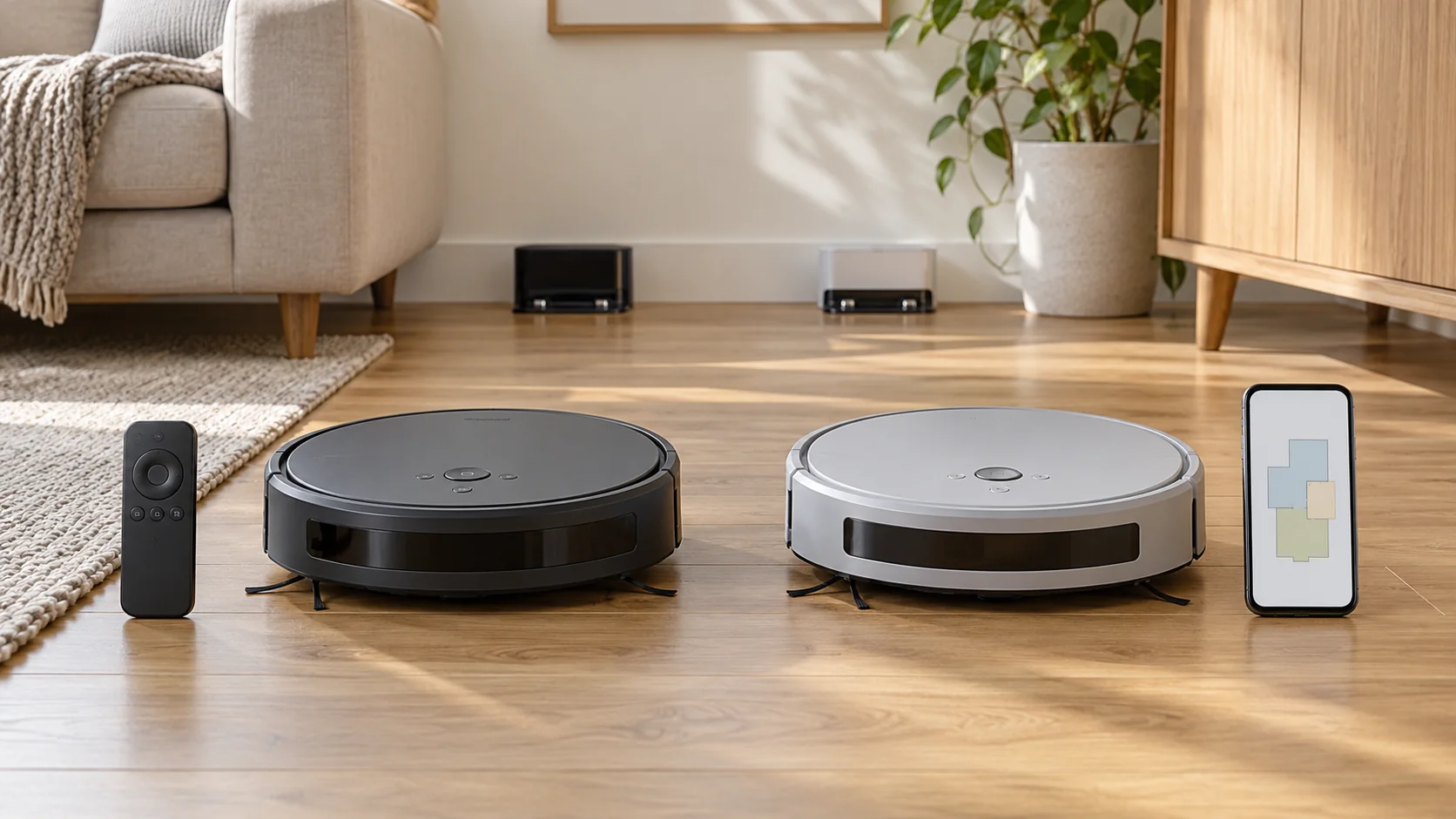
Wi-Fi vs non-Wi-Fi robot vacuums is mainly a choice about how you control cleaning. A non-Wi-Fi model can offer simple buttons and a physical remote. A connected model may let you select rooms, change settings, and manage a cleaning schedule from your phone. The right choice depends on whether those controls solve a problem in your home.
For a small area that needs the same clean each day, a straightforward offline robot can be enough. For a home where you regularly want the kitchen cleaned while the bedrooms are left alone, a model with suitable mapping and room controls is more useful. Wi-Fi by itself does not establish cleaning quality, mapping capability, or obstacle avoidance.
Last updated: October 19, 2026. This comparison draws on manufacturer documentation. Offline behavior varies by model and software version.
First, separate three different situations
The phrase “works without Wi-Fi” can describe more than one type of product. Understanding that difference prevents an expensive misunderstanding.
A robot designed without Wi-Fi
This is an appliance whose normal controls do not depend on connecting it to a wireless network. You start it from its buttons or a supplied remote, and use whatever local settings the manufacturer provides.
The eufy 11S MAX product information is one example: eufy identifies its button-and-remote operation and lack of Wi-Fi/app connectivity. This is a model-specific description, not a rule for every inexpensive robot.
A connected robot used without connecting it
Some Wi-Fi-capable robots can perform basic cleaning from their buttons even when you never add them to an app. Other functions may need setup, an account, or a connection. You need to check the exact model’s instructions to know what you are giving up.
This can be a reasonable compromise if you like the robot’s cleaning hardware but do not want to use phone controls. It can also be poor value if most of the features you paid for remain inaccessible.
A connected robot during an internet outage
A robot that has already been configured may behave differently when internet service drops. Its stored schedule, map, local controls, or dock functions might continue, but you should not assume every one of those features survives an outage.
Losing home internet, turning off the router, and losing access to a manufacturer’s online service are different events. A product description that says “cleans offline” does not answer every question about all three.
What changes in daily use?
| Task | Robot without Wi-Fi | Connected robot |
|---|---|---|
| Start a basic clean | Usually a button or supplied remote | Often a button as well as app control; check the model |
| Set a schedule | Possible on some models through local controls | Commonly configured in the app |
| Choose a named room | Usually unavailable on simple remote-controlled models | Requires a model that supports suitable mapping and room selection |
| Create virtual no-go areas | Often relies on physical barriers or compatible boundary accessories instead | Available only on models with that feature |
| Start cleaning from outside home | No normal internet-based remote control | Often possible through the manufacturer’s app and online service |
| Receive software updates | No normal app-based update route on basic nonconnected models | Updates may be delivered through the connected platform |
| Change settings without a phone | Depends on the onboard buttons and remote | Depends on how much control the manufacturer provides outside the app |
The table describes common arrangements, not a guaranteed feature list. Always compare specific products rather than treating “Wi-Fi” as a complete specification.
Connectivity and navigation work together in many products, but they are not the same thing. Wi-Fi connects a device to a network. Sensors, onboard processing, and navigation software determine how it moves through the room.
A robot can have an app without offering useful room maps. A robot may also perform parts of its navigation locally while relying on the app to let you name rooms or edit boundaries. Check the actual functions: systematic cleaning, saved maps, room selection, and no-go areas are separate features.
This matters when you compare prices. If your frustration is repeated coverage and missed sections, an app icon is not the solution by itself. You need a navigation system that suits the layout and evidence of what the product can do with that system.
Similarly, connectivity does not establish whether a robot recognizes small objects. Object detection hardware and software vary. Keep loose cables, socks, and other problem items off the floor unless the model’s instructions explicitly support a different routine.
When a non-Wi-Fi robot makes sense
You want everyone to use the same simple controls
A clearly labeled start button can be easier to share than an app account. That may suit a household where one person sets up the appliance but several people use it. A physical remote can also be helpful, provided it is easy to find and its controls are understandable.
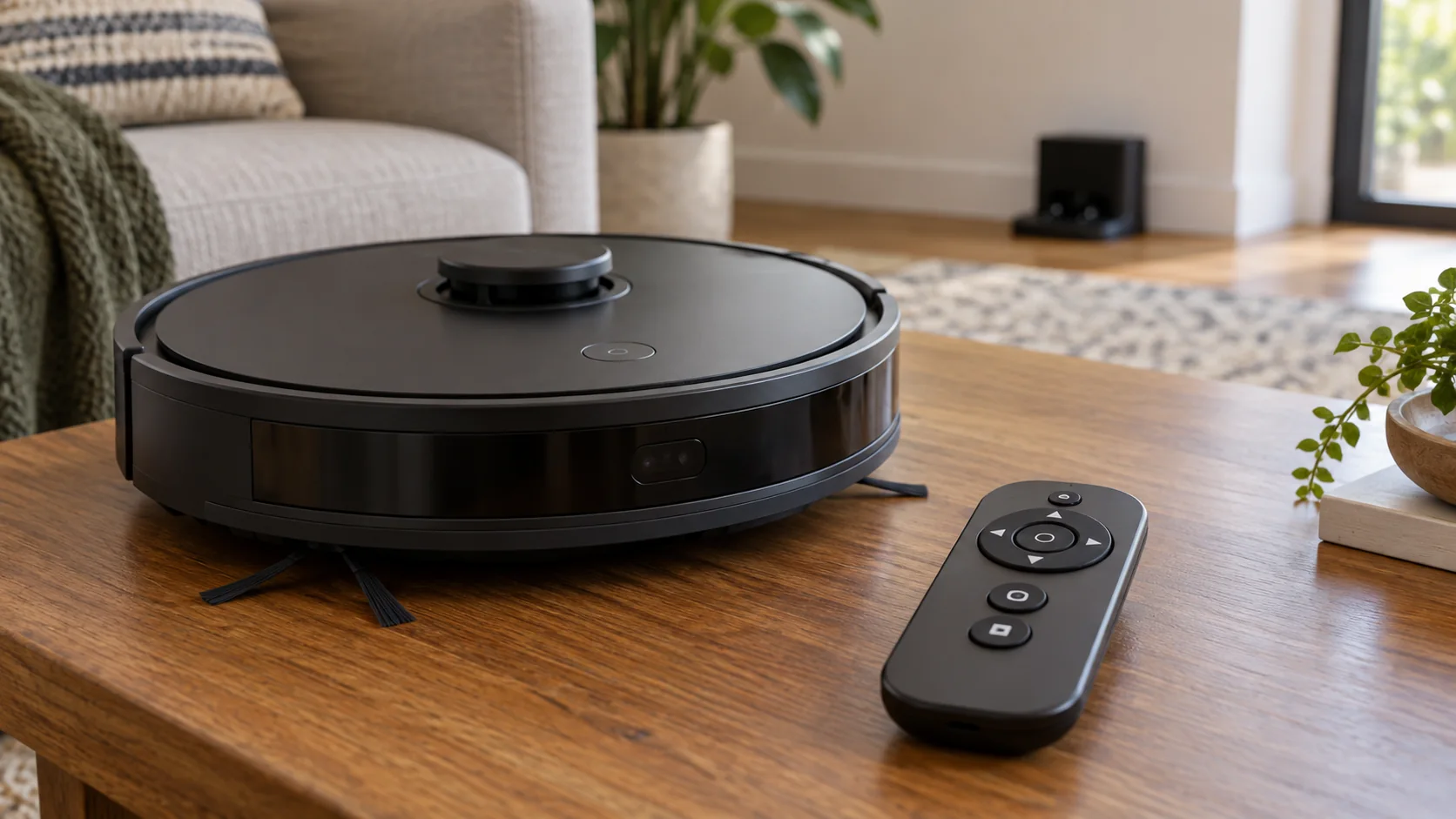
Try to imagine the second user starting a clean without your help. Can they pause it, send it to the dock, and recognize an error? An offline robot is only simple if its physical controls make those tasks clear.
You clean one predictable area
If the robot stays in a modest living area with few obstacles, room-by-room software controls may add little. Closing a door may be enough to define the cleaning area. A basic robot can then serve as a regular helper between manual cleans.
The trade-off is less precise control. Moving the robot into a room manually, checking it has covered the floor, or managing physical barriers still takes effort. Consider whether that effort is acceptable in your layout.
You do not want another connected appliance
A machine without Wi-Fi removes the need to pair that robot with your network for ordinary use. It can be a suitable choice when your preference is simply to keep cleaning controls local.
Avoid turning that preference into a claim that every connected robot has the same privacy behavior. Connected products differ in sensors, data processing, and settings. Evaluate those separately if they influence your purchase.
For product choices in this group, see our best robot vacuums without Wi-Fi. Check current availability and the exact model name, especially with older designs.
When connected controls are worth having
Some rooms need cleaning more often than others
A kitchen may need a daily pass while a spare bedroom does not. A robot with reliable mapping and room selection can make that routine easier to manage. You can target the space that needs attention instead of sending the robot everywhere or moving it by hand.
This is a stronger reason to pay for connected features than simply wanting another device in your smart-home app. You are buying a specific reduction in daily effort.
You want flexible boundaries
Virtual boundaries can be useful around an area you do not want cleaned. They also depend on the product’s mapping behavior and configuration. Read how the manufacturer handles relocated docks, edited maps, and multiple floors before depending on the feature.
For a serious fall hazard, follow the manual’s physical protection instructions. A software boundary should not become a reason to disregard the appliance’s safety guidance.
You want to manage cleaning while away
Remote start and status information can be convenient when plans change. Their value depends on a working app connection, the robot being ready, and the floor having been prepared. Starting a robot from work does not remove yesterday’s charging cable from its path.
Connectivity is most useful when the household routine supports it. If you regularly leave toys and laundry on the floor, improving that routine may matter more than a more elaborate app.
What happens when the connection disappears?
Check offline operation by function rather than asking only whether the robot “works.” Start with a short list:
- Can the robot start, pause, and return to its dock using physical controls?
- Do those controls work before an app account has ever been created?
- What happens to a stored cleaning schedule if the router or internet service is unavailable?
- Are maps and boundaries still used, and can you change them without the app?
- Which dock functions can be triggered locally?
iRobot’s privacy and data guidance describes offline operation for the products it discusses. eufy’s explanation of offline robot use also distinguishes basic cleaning from connected controls. Use these as examples of the questions to ask, rather than extending their answers to every robot on sale.
There are exceptions to broad assumptions about controls, too. Roborock documents an onboard voice assistant on the S8 MaxV Ultra that can initiate cleaning without Wi-Fi. “Offline” does not necessarily mean a product has only one button, and “voice control” does not always mean an internet-based smart speaker.
An internet connection is not automatically a suitable home network for pairing an appliance. Guest-network isolation, sign-in pages, and restrictions in student housing or rented accommodation can affect setup and device discovery.
If you do not control the network, find out what devices are permitted before choosing an app-dependent robot. Ask about the wireless bands and discovery requirements specified by the manufacturer. Do not assume that a phone browsing the internet proves the robot can complete setup.
Also separate Bluetooth setup from continuing Bluetooth control. For example, Roborock says Bluetooth on the Saros 10 assists network setup, while Wi-Fi is still required for app control. A Bluetooth label does not necessarily solve an unsuitable Wi-Fi arrangement.
Compare the support burden as well as the purchase price
A nonconnected robot has its own small list of ownership tasks: keep the remote available, replace its batteries when needed, learn the error signals, and maintain the cleaning parts. It may offer fewer options, but there are fewer app settings to manage. If you are deciding whether that approach still makes sense, our article on why people still choose non-Wi-Fi robot vacuums considers the households and routines that suit local controls.
A connected robot adds another layer. Someone may need to manage account access, router changes, permissions, updates, and recovery if the app loses its connection. That is not necessarily difficult, but it matters when you are buying for another person.
If you are choosing a gift for a parent, discuss how they prefer to use it. Some people will love room selection on a phone. Others will be happier with a remote that lives in one drawer. Age alone does not determine which interface is easier.
Check the cleaning hardware before deciding
Once you know how much connectivity you want, return to the physical job. Compare floor suitability, clearance under furniture, brush maintenance, accessible bin capacity, noise information, and replacement supplies.
For vinyl flooring, our guide to robot-vacuum compatibility with vinyl floors explains what to inspect. For the larger question of whether automation suits your routine, read robot vacuum vs cordless vacuum.
A more connected robot is not automatically a better match for a rug, and a nonconnected robot is not automatically easier to maintain. Choose the interface and the cleaning system together.
Frequently asked questions
Can a non-Wi-Fi robot have scheduled cleaning?
Yes, some models let you set schedules through a remote or local controls. Check the manual for the exact scheduling options and what happens after a power interruption or battery change.
Can a Wi-Fi robot be used without a smartphone?
Sometimes, for basic functions. The important question is whether it can perform the tasks you need without initial app setup. Physical start buttons do not prove that every feature is accessible without a phone.
Does a connected robot need a camera?
No. Wi-Fi describes network connectivity, not the sensors used for navigation or object detection. Check whether the particular product has cameras or other sensors and how its manufacturer describes their use.
Is paying for mapping worth it in one room?
It may be if you need particular boundaries or targeted zones. If you simply want the same accessible floor cleaned each time, the extra controls may have limited value. Room shape, clutter, and the model’s navigation still matter.
Buy the controls your household will use
Choose a non-Wi-Fi robot when local buttons or a remote cover your routine and you are comfortable managing its cleaning area physically. Choose a connected model when specific functions, such as named-room cleaning or flexible schedules, will save useful effort.
Before ordering, list three tasks you expect the robot to do and check exactly how the shortlisted model performs each one. That is a more dependable buying method than treating “smart” or “offline” as a complete recommendation.

Abi Khan is the founder and a content writer at GlobVacs. His published work covers vacuum-cleaner buying guides, product comparisons and practical maintenance advice. Read his author profile and selected articles.