
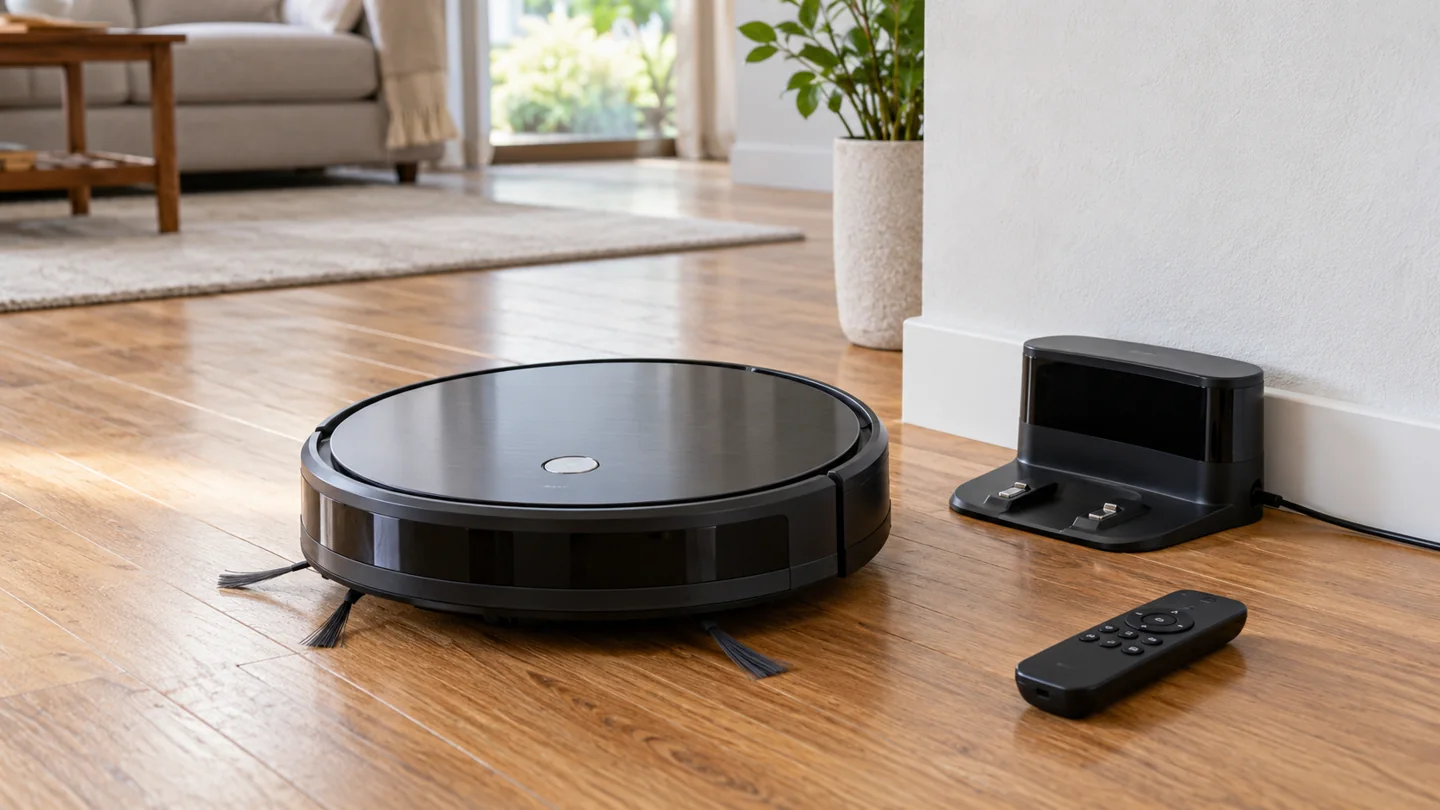
To use an ILIFE robot vacuum, identify the exact model, follow its setup and charging guide, prepare a compatible floor route, and start cleaning through its supported buttons, remote, or app. ILIFE models do not all share the same controls, navigation, roller, water system, or filter-care method. Use the model label rather than a generic brand-wide sequence.
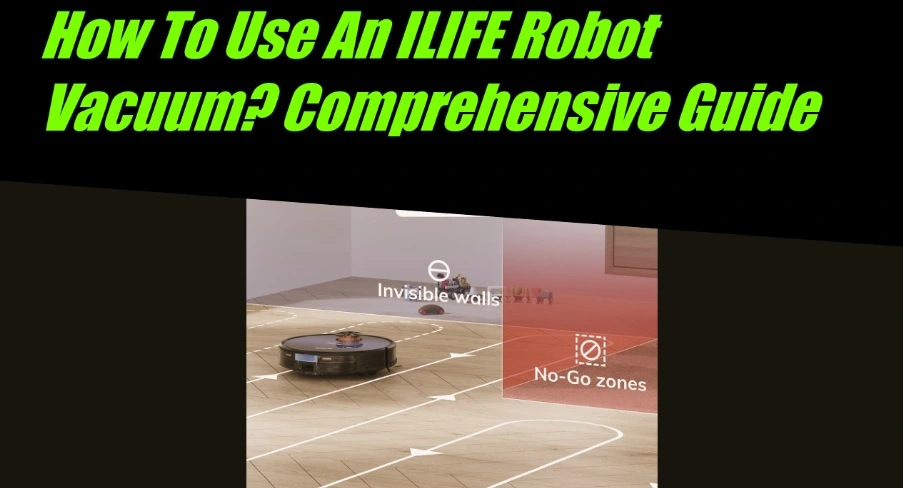
This guide explains the common setup decisions and where the instructions diverge. It is intended to help you use the correct manual—not replace a model-specific error table, remote-button diagram, or safety procedure.
Find the matching manual first
Read the robot’s rating label and record its full name and model number. Include any suffix, such as Pro, Max, or another variant, and note the regional version where relevant. Check the dock and power-supply labels too.
Use ILIFE’s model-based user-guide directory or the official support site for your region. For a specific example, the V3s Pro guide covers that product rather than every ILIFE machine.
Do not assume the box includes a remote, water tank, boundary accessory, or spare part simply because another model does. Compare the actual contents with the supplied packing list.
Understand which type of machine you have
| Feature to identify | Why it changes operation |
|---|---|
| Dry-only or vacuum-and-mop | Determines whether any water assembly is permitted |
| Direct suction or main roller | Changes the cleaning head and maintenance tasks |
| Remote control, app, or local buttons | Changes setup, scheduling, and available commands |
| Reactive or mapped navigation | Changes coverage expectations and supported boundaries |
| Basic or multifunction dock | Adds model-specific emptying, water, or station maintenance |
Connectivity does not automatically mean editable room maps, and a remote does not imply identical scheduling across all models.
Set up the charging area
Place the dock on the surface and with the clearance specified by the manual. Keep the approach open, route the cable safely, and use the correct power supply. Do not hide the station where the robot cannot approach or where electrical equipment may get wet.
Remove transport protection only as the setup guide directs. Fit side brushes or other supplied user-installed parts in the correct positions if required. Some components may have left/right markings.
Follow the initial charging instructions and check the correct indicator. Do not assume every model uses a green full-charge light or that another brand’s charging time applies.
Prepare the floor before the first run
Pick up cables, socks, loose plastic, small toys, sharp fragments, and other prohibited material. Check for pet accidents and wet patches. A dry-only robot must not be sent into liquid.
Confirm that the floor and rugs permit the robot’s cleaning system. Check loose fringe, lifted edges, thresholds, low furniture, and unsafe drops. Use the safety boundaries required by the manual.
Supervise the first appropriate run and watch where it struggles. Do not cover sensors to force access. Our guides to thresholds and furniture clearance help organize those checks.
Start, pause, and return using the documented controls
Use the button or remote command shown in your manual. Some models distinguish sleeping, standby, and active cleaning states, so one press may wake the robot rather than begin a task. Observe the actual status instead of repeatedly pressing controls.
The V3s Pro owner’s manual provides a remote diagram and distinguishes start/pause, directional, clock, and scheduling controls. Follow that diagram only for the covered version.
Do not manually steer the robot toward stairs, water, a pet, or an unsafe object. For returning to charge, use the supported command and leave the dock route clear.
Choose a cleaning mode that exists on your model
A robot may offer automatic cleaning, an edge routine, spot cleaning, stronger suction, selected rooms, or other modes. The presence and behavior vary. A spot mode on one robot may not match the route or duration on another.
Use suitable ordinary dry debris and a compatible surface. Spot cleaning is not permission to collect coffee, a pet accident, or a chemical spill with a dry-only vacuum.
For mapped models, check room or zone selection and map-saving requirements. For reactive models, expect the documented coverage behavior rather than an editable room plan. See robot cleaning and navigation for the distinction.
Set scheduling carefully
Check whether scheduling uses the remote clock, onboard controls, or an app. Confirm the time, save the instruction as directed, and understand whether switching off the robot or a depleted battery cancels it.
ILIFE’s V3s Pro FAQ describes particular scheduling and restart behavior for that family. Do not assume it automatically resumes an unfinished job after every recharge.
Choose a schedule that permits a pre-run floor check and works around people and pets. Our robot scheduling guide focuses on frequency rather than button sequences.
Use an app only where supported
Confirm the exact app and setup process from the manual or official product page. Do not install an app with a similar name from an unofficial link, and do not assume every ILIFE can pair because another model does.
Follow the specified network requirements and pairing sequence. Read permissions and account terms for connected functions. If the robot has local controls, distinguish a connectivity fault from a mechanical cleaning fault.
Do not connect the robot to a computer, install unofficial firmware, or factory-reset it repeatedly as a generic setup step. Record an error and use support when pairing fails consistently.
For mopping models, check a separate set of instructions
Identify the permitted tank, pad, solution, water quantity, surface, and operating mode. A robot that drags a damp pad is not automatically designed to vacuum liquid spills. A dry-only model should not receive a water attachment from a different product.
Keep carpet dry using the model’s specified pad-removal or boundary procedure. Remove and clean wet components after use where instructed, and do not leave a damp assembly parked on an unsuitable floor.
Follow both the flooring and machine instructions. If the permitted cleaning methods conflict, use another approved method.
Maintain the parts your model actually has
Empty the bin at its limit, inspect accessible intake paths, remove hair from side brushes and any main roller, and check wheels and sensors. Clean contacts by the exact method in the manual.
Do not automatically wash every filter. Some ILIFE high-performance filters are nonwashable. Identify each element and follow its care procedure. Keep electrical assemblies dry and refit all required components.
Use the robot care checklist to organize the routine, while retaining the model-specific method and interval.
Common first-use problems
No response: Check the documented power control, charging status, correct dock, and any error. Do not assume a battery replacement is needed.
Remote does not work: Check the specified batteries, orientation, supported range, clear receiver, and operating state. A remote for a similar model may not be compatible.
Poor pickup: Check bin loading, filter installation, intake, brush condition, and surface suitability.
Repeated stopping: Record the code and location, then inspect the relevant route or component. See stopping troubleshooting.
Frequently asked questions
Can every ILIFE use Wi-Fi?
No. Check the exact product. Some use local buttons and a remote, while selected models support an app.
Can I wash the bin and filter together?
Only wash components explicitly identified as washable, separating nonwashable elements first. Detachability does not establish washability.
Will it clean every room automatically?
That depends on access, navigation, boundaries, charge, and the model’s capabilities. Check the actual result and keep manual tools for areas it cannot reach.
Let the model guide the routine
Identify the product, establish a safe route, use its supported controls, and maintain its actual components. That gives you a clearer and more reliable routine than applying one ILIFE setup sequence across the whole range.
Further reading

Katy James contributes vacuum-cleaner explainers and practical cleaning guidance at GlobVacs. Her published topics include robot-vacuum operation and vacuum airflow. Read her author profile and selected articles.